Why ChatGPT can't see your website, and how to check in ten seconds.
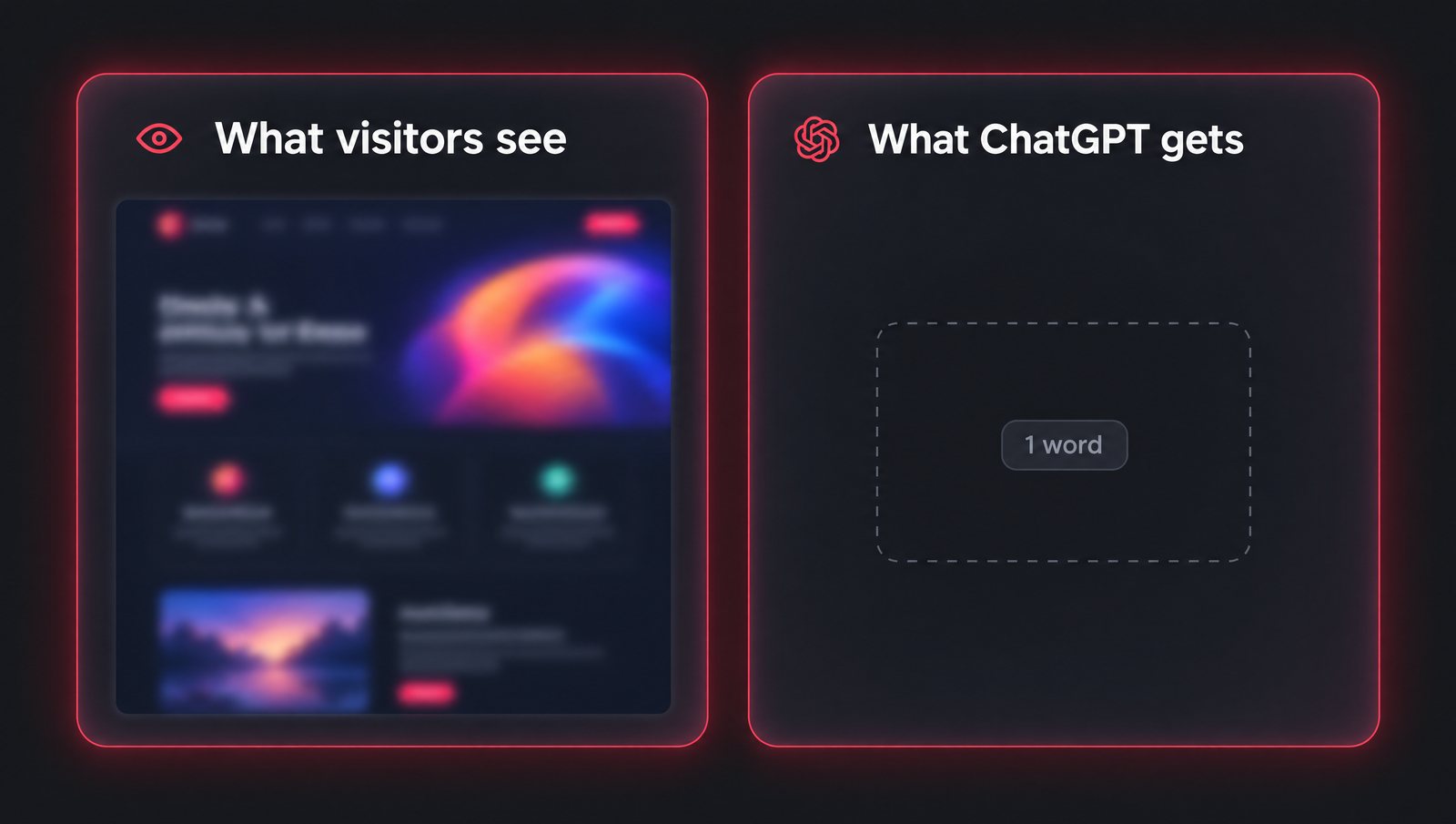
The most common reason ChatGPT can't see your website is that your pages are built by JavaScript in the visitor's browser, and ChatGPT's crawlers don't run JavaScript. They read the HTML your server sends and stop there. If that HTML is an empty shell, your site is a blank page to them, however good it looks to a person.
What the crawler actually receives
When you open a website, your browser downloads the HTML, then runs the JavaScript that fills the page in. AI crawlers, GPTBot, OAI-SearchBot and ChatGPT-User from OpenAI, ClaudeBot from Anthropic, PerplexityBot from Perplexity, only do the first step.
So the question is what is in the HTML before any JavaScript runs. For a lot of modern sites, the answer is almost nothing. When we checked excalidraw.com, a hugely popular drawing app, the HTML it serves contains one readable word. A person sees a full application. A crawler sees the tab title.
Who this hits hardest
Sites built as client-rendered apps: a lot of what comes out of AI app builders such as Lovable and Bolt, many Vite and React single-page sites, and anything that draws its content after the page loads. It isn't universal. One Lovable app we checked was perfectly readable because its maker had put the content in the HTML. You have to look.
The two other gates
robots.txt is the first. Plenty of sites block AI crawlers by accident, with a blanket rule written years ago or a plugin setting nobody remembers switching on.
Your firewall is the second, and it's easier to miss. Some hosts and security services can refuse AI crawlers by default. We checked an agency site hosted on Bolt that served browsers normally but refused a request identifying as GPTBot with a 403. Its pages were readable; ChatGPT's crawler was simply turned away at the door.
How to check in ten seconds
Put your address into our free ChatGPT view. It fetches your homepage the way an AI crawler does and shows you the text it receives next to a screenshot of what visitors see, then checks robots.txt for each AI crawler, whether your firewall refuses GPTBot, and whether you have an llms.txt and a sitemap.
How to fix it
- Serve real HTML. Server rendering or prerendering puts the content in the page before it leaves your server. Frameworks such as Next.js and Astro do this by default.
- Allow the AI crawlers in robots.txt, by name if you want to be certain.
- Check the firewall, especially any AI bot blocking switched on at your host or CDN.
- Then add the facts: an llms.txt, structured data, and published prices and results.
If the crawler gets a blank page, every other piece of GEO work is wasted. This is the first thing we fix in a GEO Launch.
COMMON QUESTIONS
Less so. Googlebot renders JavaScript, though it can take longer to index pages that depend on it. The AI crawlers from OpenAI, Anthropic and Perplexity don't, which is why a site can rank on Google and still be invisible to ChatGPT.
Not automatically, but check it. Many sites from AI app builders render their content in the browser, which leaves AI crawlers with an empty page. If yours does, it needs server rendering or prerendering for its marketing pages.
Compare what your server returns to a browser with what it returns to a request identifying as GPTBot. Our free ChatGPT view does this automatically and flags a refusal, typically a 403.
RELATED TERMS
Want to talk?
30 minutes, no pitch deck.